
Introducing 🛡️ Account Safe Mode
Account Safe Mode lets you safely give scholars access to your account by blocking any actions that spend resources or change units.



19 Dec 2025 Update:
Based on your requests, we’ve updated Safe Mode restrictions.
Safe Mode no longer blocks:
- Token deposits & withdrawals
- Treasure Hunt purchases
- Signal Fire actions
- Lord staking
By popular request from scholarship admins and scholars who want to run their programs with less stress, we’ve added Account Safe Mode.
🔒 It’s a feature that keeps your assets safe when you give scholars access to your account — blocking any actions that could spend resources or change units.
This is our first step toward helping you manage scholarship programs more easily.
🛡️ What Safe Mode Does?
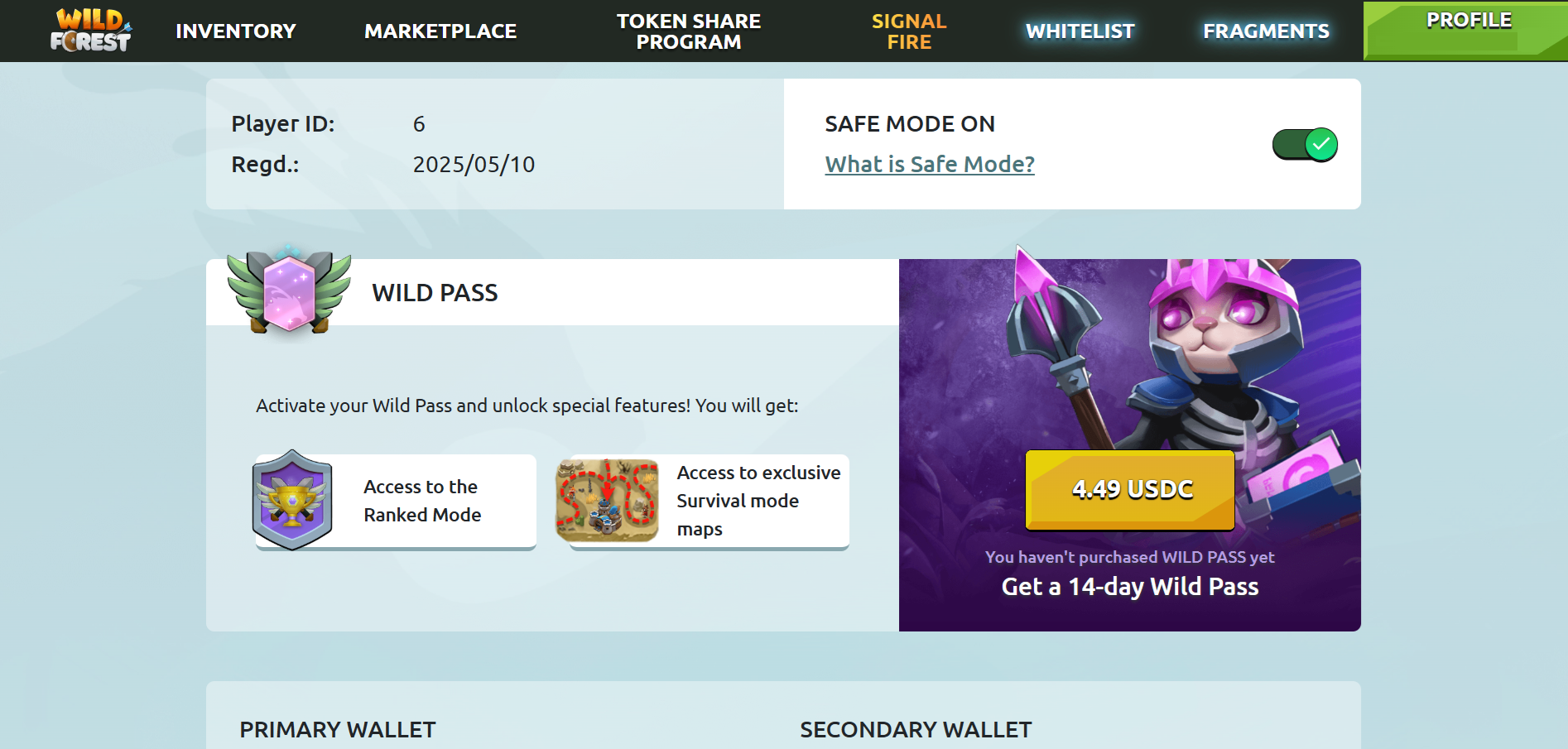
Safe Mode is a toggle on the Wild Forest portal https://playwildforest.io/player
Only the wallet owner can turn it on or off (it requires a wallet signature), while scholars log in with Sky Mavis credentials and cannot change it.
When Safe Mode is ON, the account is locked from any actions that modify assets or spend/withdraw any assets:
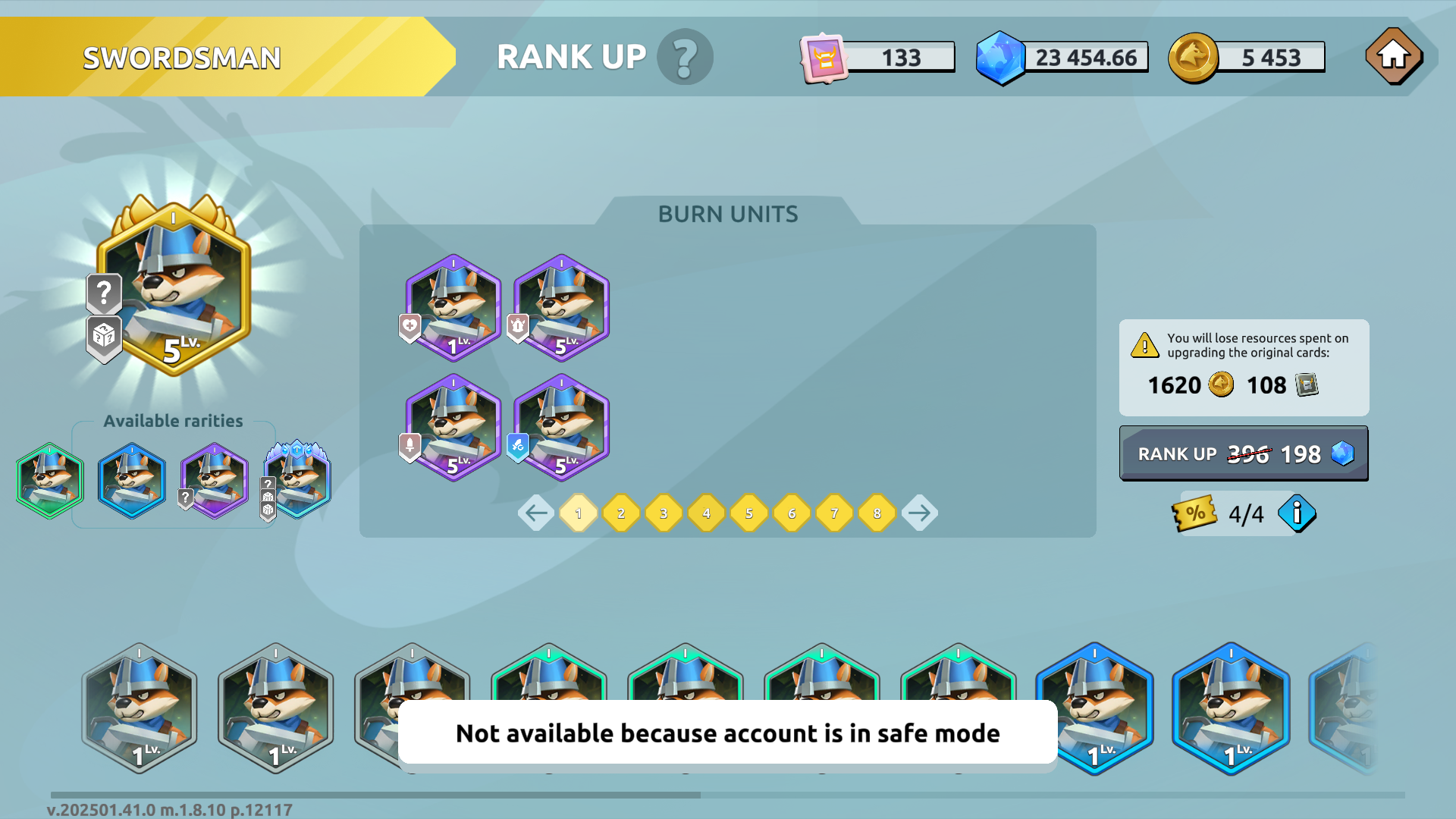
- Unit Rank-up
- Unit Level-up
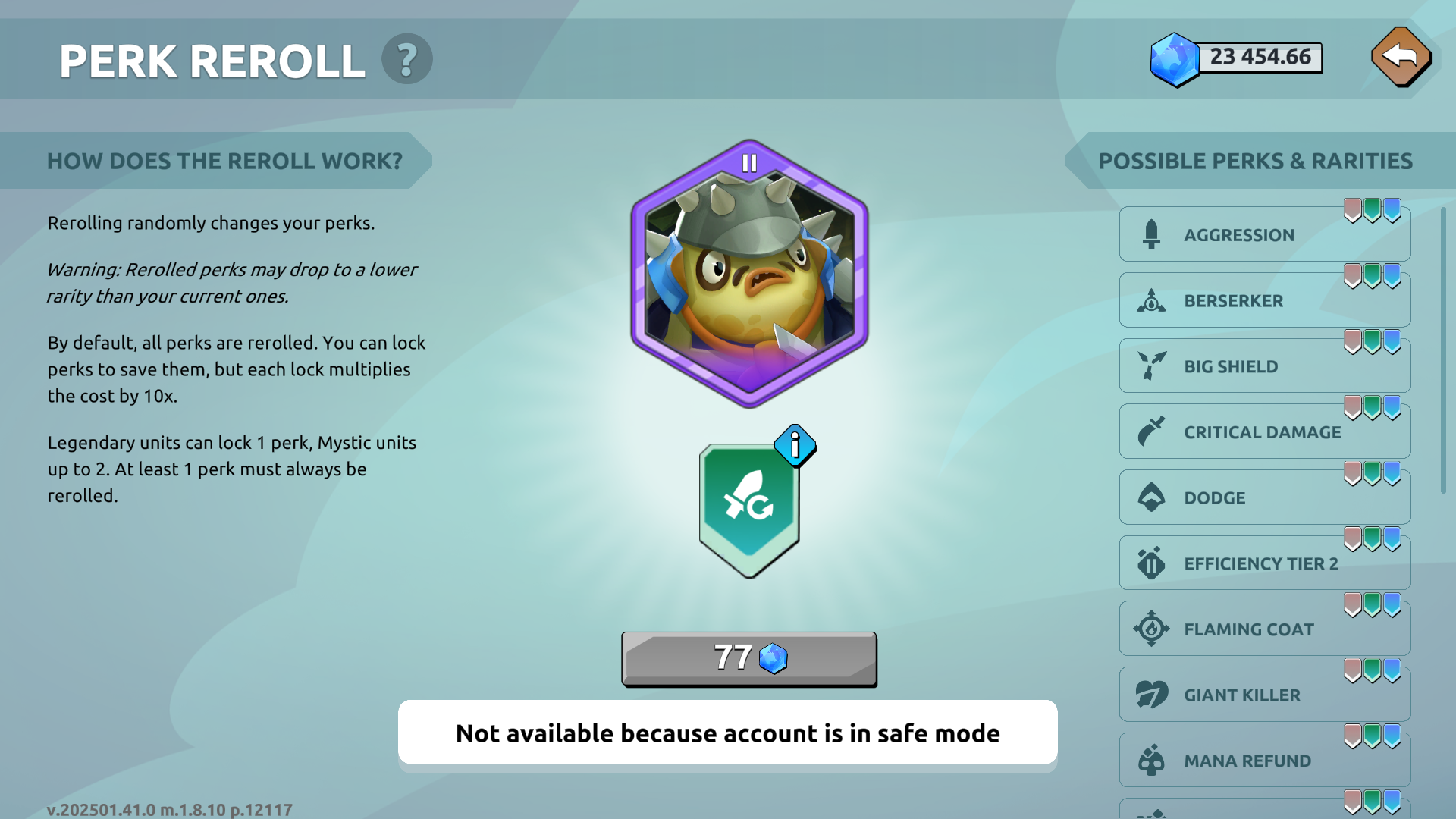
- Perk Re-roll
- Mint Units & Skins
- Open NFT packs
- Lord Stake/Unstake
- Deposit / Withdraw of $WF
- Forge
- Signal Fire
- Shop & Premium Battle Pass purchases
- Starting Expeditions
- Packs Purchase (during Treasure Hunt event)
- Connect wallet
Feature do NOT affect:
- Claim of Tokens in Token Share Program
- Claim of Whitelists
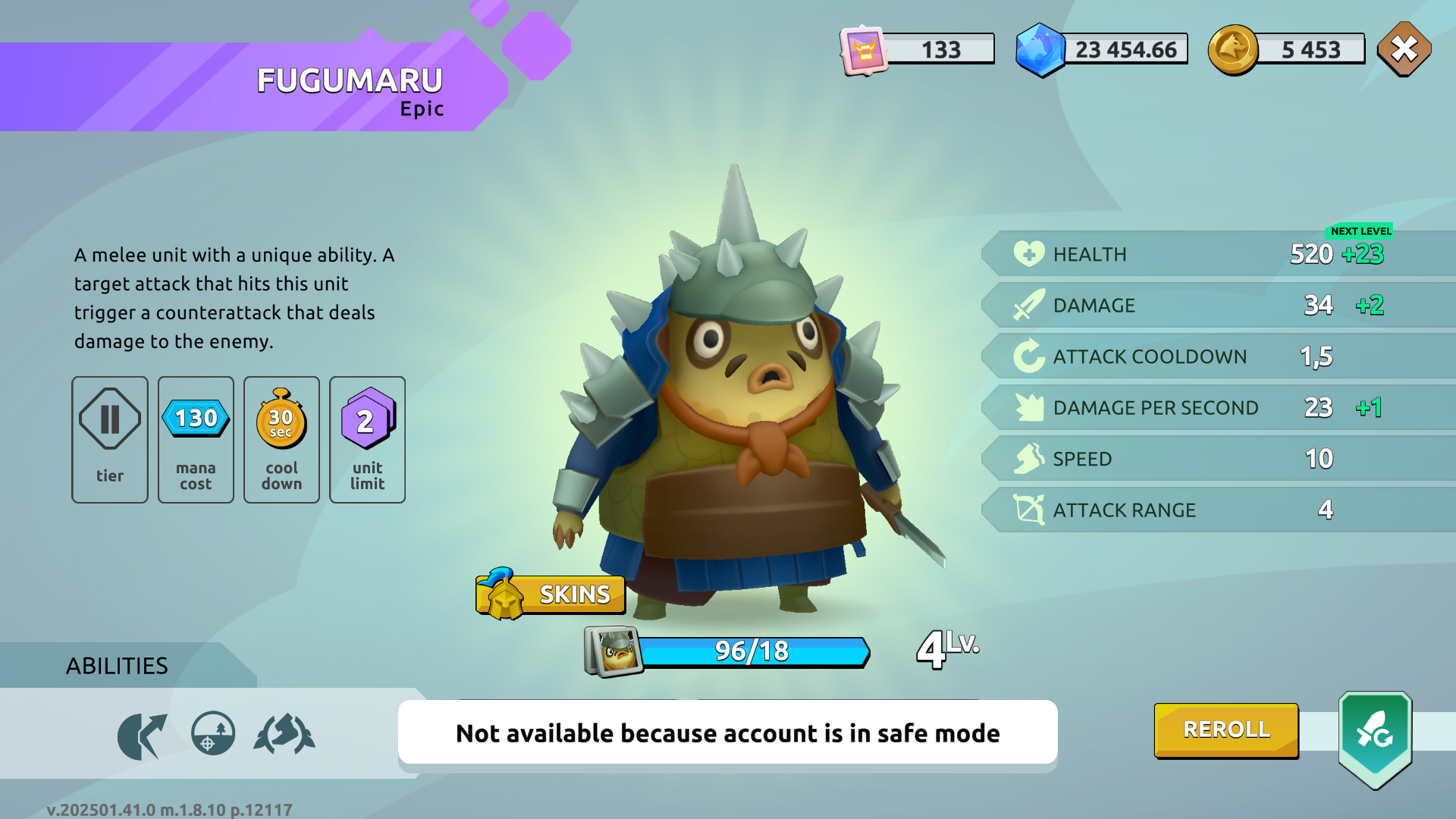
All affected buttons turn inactive with a simple “Safe mode enabled” message.
🎮 Your scholars can still play, earn, and grind — but can’t change or burn anything valuable.
🎯 Why does it matter?
Because one mistake can cost you a rare unit, a perfect perk roll, or weeks of progress.
Safe Mode allows you to:
- Give scholar access without stress
- Prevent accidental resource spending
- Protect high-value units from unwanted changes
- Keep your progression under your control
🔧 How It Works
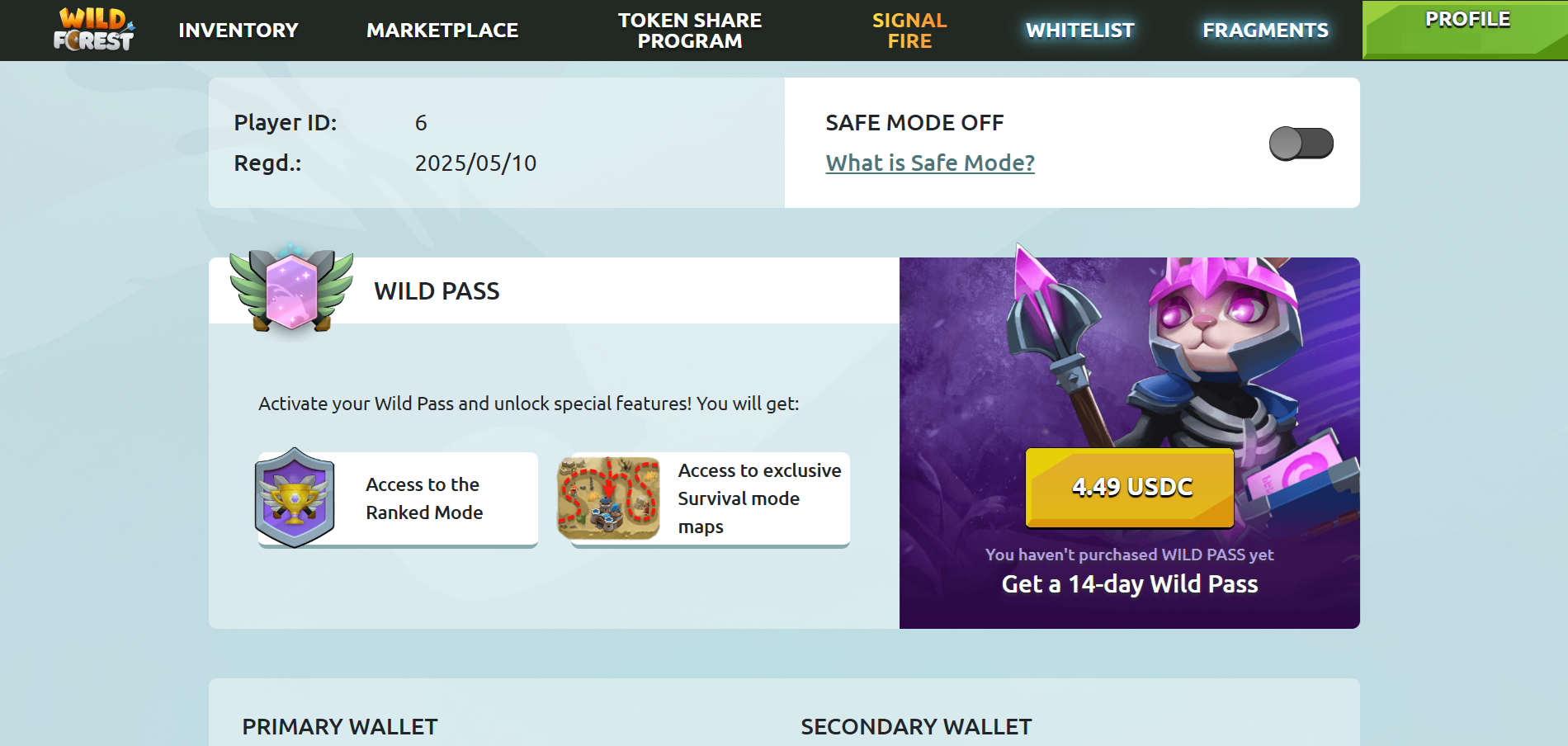
- The toggle is OFF by default
- Switching it requires a wallet signature
- You can enable or disable it anytime, as many times as you want
💡 We recommend keeping Safe Mode ON during scholar sessions and turning it OFF only when you, as the manager, need to upgrade or manage units.
🔒 Safe Mode keeps your assets safe, gives scholars freedom to play, and lets scholarship managers run operations without babysitting accounts.
It’s simple, effective, and available now.